
Comments Options
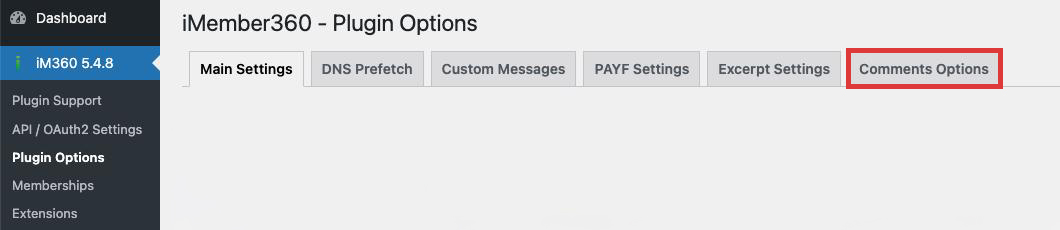
Comments Options provide advanced control over how comments are displayed and managed based on user permissions.
Settings
Section titled “Settings”Activate Advanced Comments Options
Section titled “Activate Advanced Comments Options”Activating advanced comments options will give you more granular control over the display of post comments.
| Values | Yes / No |
| Default | No |
Display Comments Reply Form
Section titled “Display Comments Reply Form”Controls whether the comment reply form is shown.
| Values | Yes / No |
| Default | No |
- Yes: A Comment Reply Form will be displayed only to visitors who have permissions to view the page/post.
- No: A Comment Reply Form will not be displayed.
Display Comments in Protected Posts
Section titled “Display Comments in Protected Posts”Controls how comments are displayed based on user authorization.
| Values | Suppress comments altogether / Display comments / Display comments excerpts only |
| Default | Suppress comments altogether |
- Suppress comments altogether: Will completely suppress the display of comments on posts/pages for which the user has no direct permissions.
- Display comments: Will display comments normally, as if the user had permissions to the post/page.
- Display comments excerpts only: Will only display comments excerpts rather than the full comment.
Use Cases
Section titled “Use Cases”Members-Only Discussions
Section titled “Members-Only Discussions”Set Display to “Suppress comments altogether” to create exclusive discussion areas where only members can see and participate in conversations.
Public Preview with Member Interaction
Section titled “Public Preview with Member Interaction”Set Display to “Display comments excerpts only” to let visitors see that discussions are happening, encouraging them to join to participate.
Open Discussions
Section titled “Open Discussions”Set Display to “Display comments” for content where you want open, public discussions regardless of membership status.
Integration with Content Protection
Section titled “Integration with Content Protection”Comments Options work alongside content protection settings:
- If content is protected, comment visibility follows these rules
- If content is public, standard WordPress comment rules apply
- Action sets can be triggered on comment submission
Best Practices
Section titled “Best Practices”- Consider your community engagement goals
- Use excerpts to create curiosity without giving away full discussions
- Enable reply forms only for trusted member levels if needed
- Test comment visibility with different user roles